Upscale Image up to 8K Online
Turn any blurry or low-resolution image into a crisp image up to 8K in seconds. 14 public aliases, cloud GPU processing, no software install.
5 free upscales/month · paid plans from $9/mo · Cancel anytime
“I've been handed a photo that's too small to print clean.”
Every creator has a folder of files that don't quite scale — a scanned print, a phone shot from years ago, a stock asset that came in too tight. The work is fine. The pixel count just isn't. We built UpRes because the pixel ceiling shouldn't decide whether your work looks finished.
480p original → up to 8K result
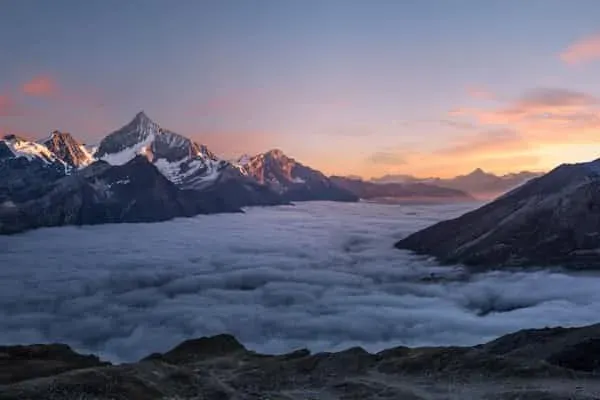
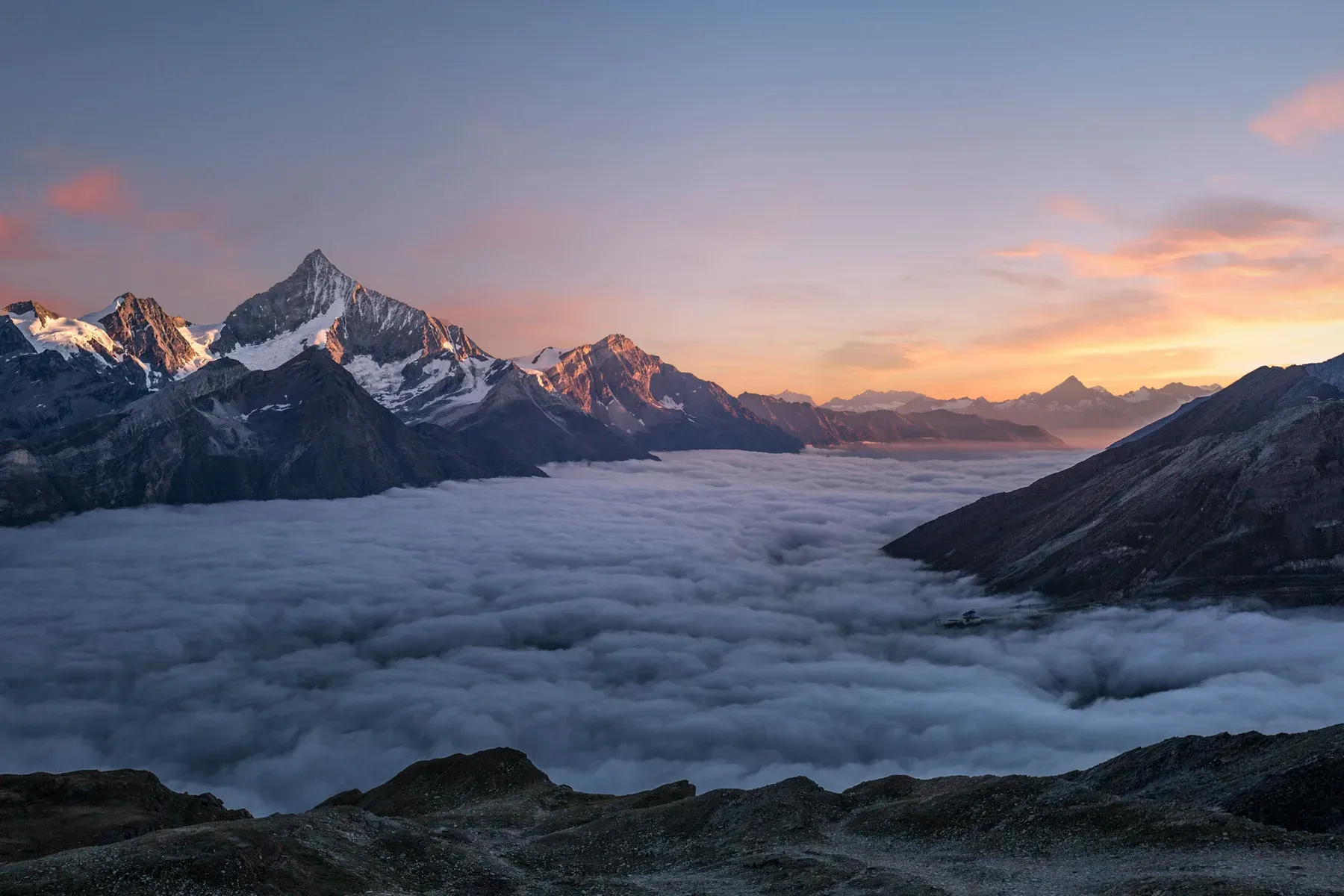
Processed with Ultimate Image Upscaler model · 8 seconds
How to upscale up to 8K in 4 steps
Upload your image
Drag and drop or paste a URL. JPEG, PNG, WebP, and TIFF all supported. Up to 50MB per file.
Pick a path
Flare for photos, Prism for text and products, Lumen for print. Hush, Keen, and Visage stay at the original size. Atelier runs denoise, then the face on portraits, then Lumen.
Process in seconds
Cloud GPU inference completes in 5–30 seconds. No local GPU, no software install, no queue waiting.
Download up to 8K result
Download clean PNG or WebP. Every paid plan outputs up to 8K. Business adds the batch API for bulk processing.
Why UpRes for up to 8K upscaling?
Most upscalers give you one model. UpRes gives you 6 — so you can pick the best one for each content type: portraits, landscapes, product shots, AI-generated art, video.
- The full restoration catalogue — not a single enhancer
- Upscale, denoise, sharpen, and face recovery
- Up to 8K output on every paid plan, Creator from $9/mo
- Public REST API on Business plan ($49/mo)
- Image and video upscaling in one tool
- REST API for batch workflows
- Free tier: 5 images/month, no card needed
Resolution guide
Frequently asked questions
Can I upscale any image up to 8K online for free?
Yes. UpRes offers a free demo at upres.ai/demo — no account or credit card required. Free upscales are watermarked. Create a free account to get 5 clean upscales per month, or pick any paid plan from $9/mo for clean output up to 8K.
What is the best AI model for upscaling images up to 8K?
It depends on the file. Flare is the everyday photo upscale. Prism keeps text and product edges. Lumen recovers the most real detail for print. Mirage invents detail for art. Hush denoises, Keen sharpens, and Visage restores a face. Atelier runs denoise, then the face on portraits, then Lumen.
How long does it take to upscale an image up to 8K?
Most image upscales complete in 5–30 seconds on UpRes cloud GPUs. A studio preset takes longer because it runs more than one stage. Video jobs take longer — typically 1–5 minutes depending on clip length.
Will upscaling up to 8K improve print quality?
Yes. 4K UHD resolution (3840×2160) at 300 DPI supports prints up to roughly 12×6 inches. 8K (available on every UpRes paid plan) supports prints up to 24×13 inches. AI upscaling adds real detail — not just pixels — making prints noticeably sharper than bicubic enlargement.
What happens if you ship the file as-is
- Soft, JPEG-noisy delivery — the brief gets re-opened.
- Print returns come back grainy and you eat the re-shoot.
- Listing photos look amateur next to competitors at full resolution.