AI Photo Restoration
Recover detail from scanned prints, fix faded vintage photos, and upscale family portraits to print-ready resolution — all in the browser.
See the difference
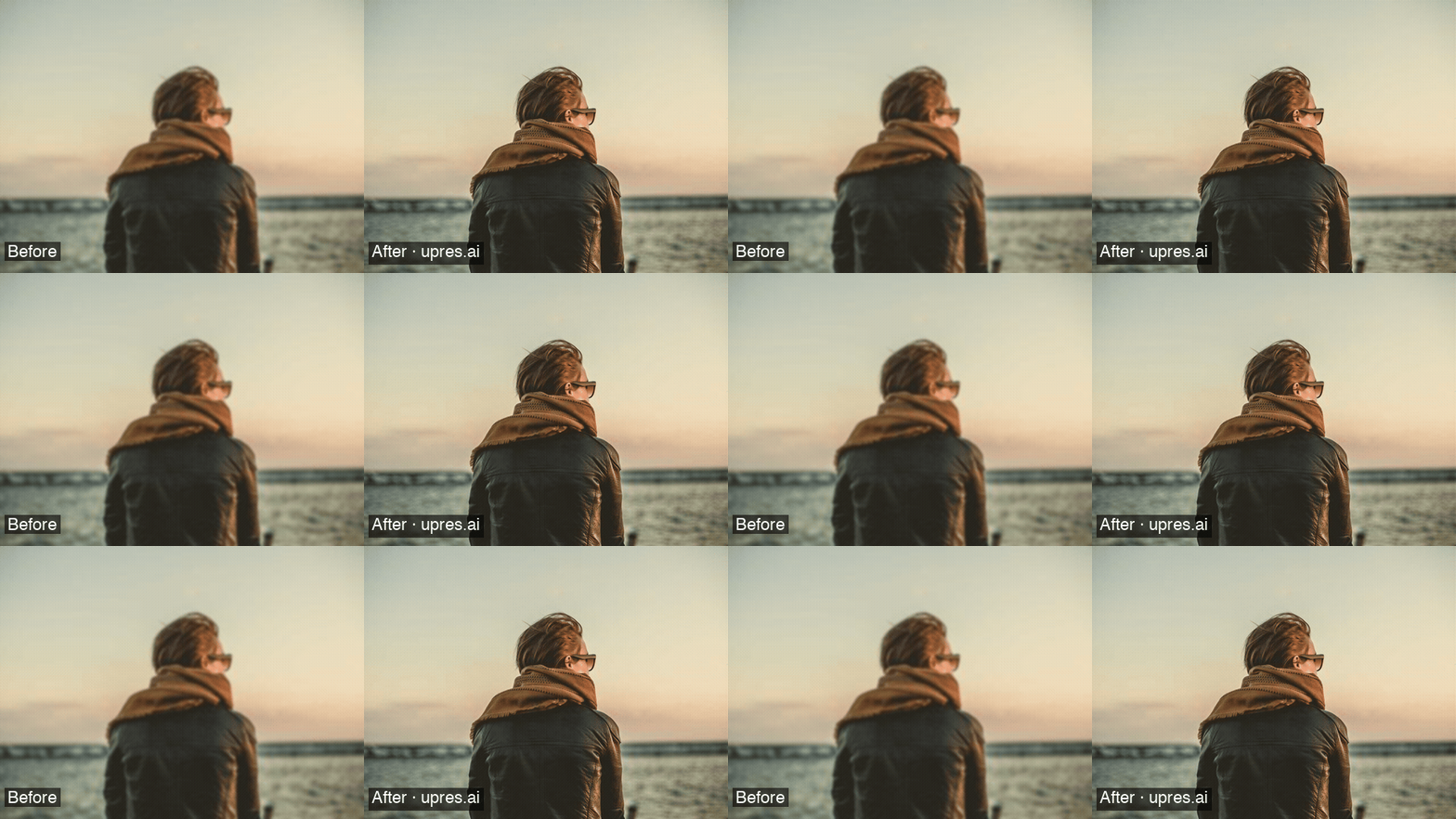
Portrait restored with Atelier. The face stage runs only when the frame looks like a portrait.
How it works
Scan or digitize
Scan prints at 600–1200 DPI. Save as PNG or TIFF to preserve lossless detail for the AI.
Choose your model
Pick Flare for a general scan, Visage when the face is the subject, or Atelier to run the restore in order.
Upscale in seconds
Cloud GPUs process your image in 5–30 seconds. No software to install, no VRAM required.
Download & print
Download a clean PNG or WebP result. Paid plans output up to 8K — ready for large-format prints.
Recommended models for photo restoration
Faithful 4x upscale for grain, blur, and JPEG artifacts on general prints.
Face recovery for a portrait scan. It does not enlarge the frame.
Denoise, then Visage if the frame is a portrait, then Lumen. A skipped face stage is free.
Frequently asked questions
Can AI restore old damaged photos?
Yes. Flare recovers texture from a degraded scan, Visage restores a face, and Atelier runs denoise, an optional face stage, then a faithful upscale. Scan at 600 DPI or higher and upload PNG or TIFF when you can.
What resolution should I scan old photos before upscaling?
Scan at minimum 600 DPI; 1200 DPI is better. Higher-res scans give the AI model more pixel data to work with, producing sharper final results. JPEG scans work, but TIFF or PNG (lossless) preserve more detail for the AI to recover.
Which UpRes model is best for old photographs?
Flare is the everyday scan. Visage is the face stage. Lumen is the print upscale when you need more than 4x. Atelier runs those stages in order and skips the face stage when the frame is not a portrait.